Working from home has turned spare corners, guest rooms and stair landings into offices. The trouble is that a desk brings a monitor, a laptop, a printer, chargers and a router, and each of them wants a cable. A built-in nook lets us plan for all of that before the cabinetry goes in.
Measure the work, not just the wall
We start by asking how you work. Do you need a large screen, a camera at eye height for calls or room for paper files? The answers shape desk depth, shelf spacing and where light should land so your face is lit evenly on video.
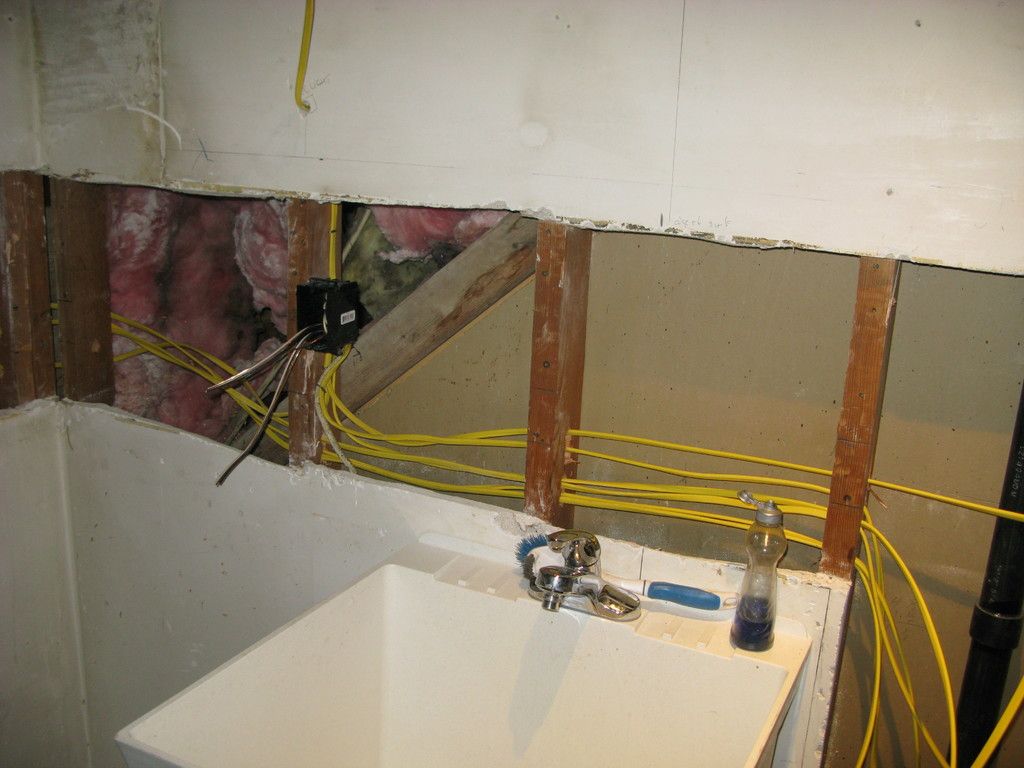
Power and data inside the furniture
- A recessed power strip under the desktop with surge protection and USB-C charging.
- A grommet at the back corner that drops cables into a hidden raceway.
- A wired network port behind the monitor for steady video calls.
- A ventilated cabinet with an outlet for the printer and router, so they disappear behind a door.
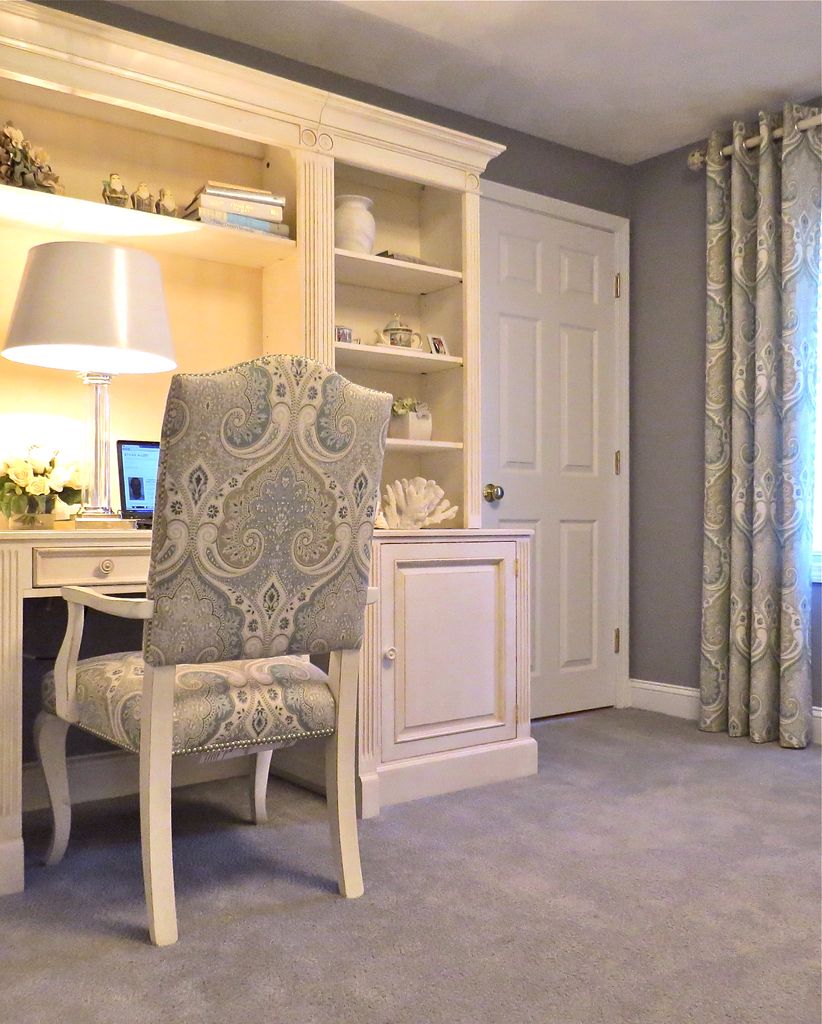
When the cables are planned, the desk can be clean wood and quiet light.
Lighting that helps you focus
An LED strip under the upper shelf lights the work surface without glare, while a dimmable sconce or lamp adds warmth for evenings. We often connect both to a smart switch so the office lights shut off when you leave the room.
Finish it like fine furniture
Painted maple, oak veneer or white oak with a hand-rubbed finish all hold up well to daily use. Soft-close drawers, a pull-out keyboard tray and a cork pin board inside a cabinet door make the nook feel tailored to you.
Plan for the next upgrade
We leave an empty conduit from the desk to the nearest closet or basement. When technology changes, new cables can be pulled through without opening a wall or scratching your new built-in.